Create A Project
Login to your TraceCloud account

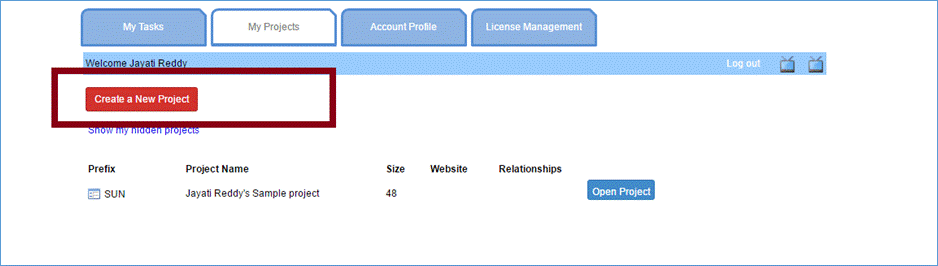
Click the “Create a New Project” button
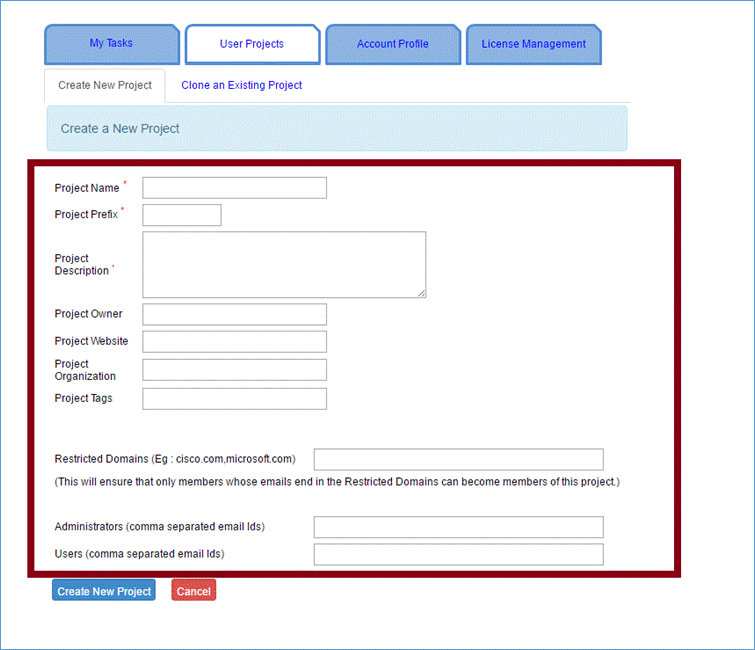
Enter the project’s information
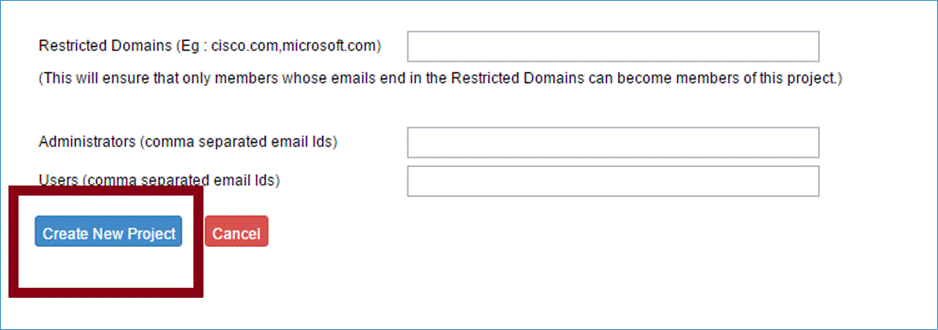
Click “Create New Project ” to save the project’s information.
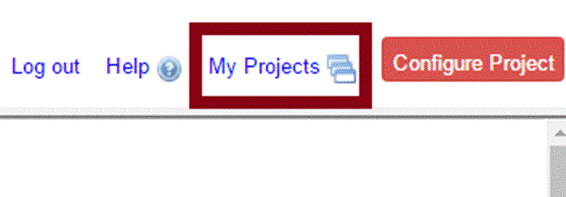
Projects can be viewed by clicking “Dashboard” on the top-right hand side of the home page or by clicking “My Projects” from within a project