 Lesson 3
1.Login to your TraceCloud account.

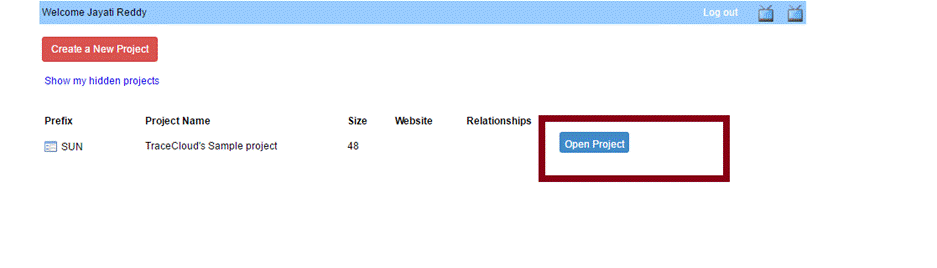
2. Open a project.
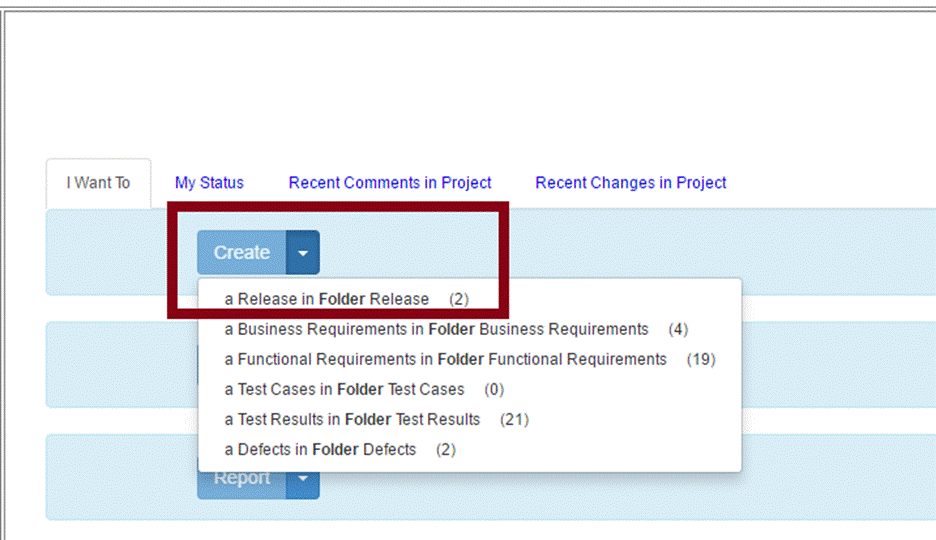
3. Click “Create” in the middle of the page and choose the requirement type.
4.
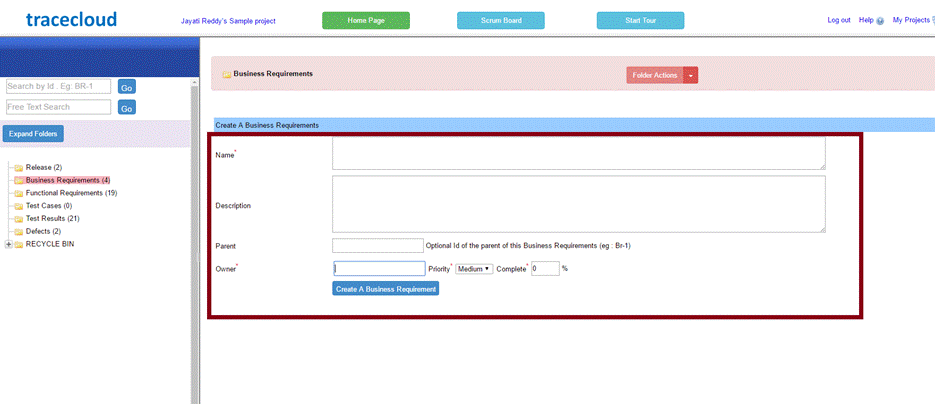
A) If you click “Create a Business Requirement,” the following page will appear. Here, you can enter the requirement’s information and click “Create a Business Requirement” when finished.
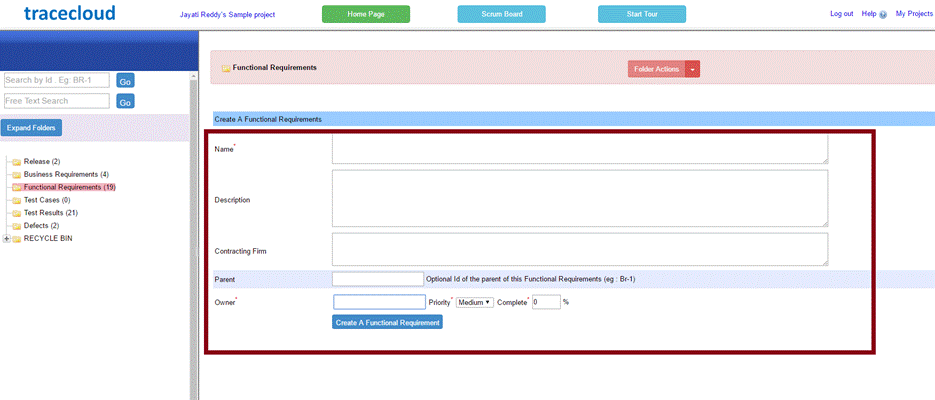
B) If you click “Create a Functional Requirement,” enter the requirement’s information and click the create button to save.
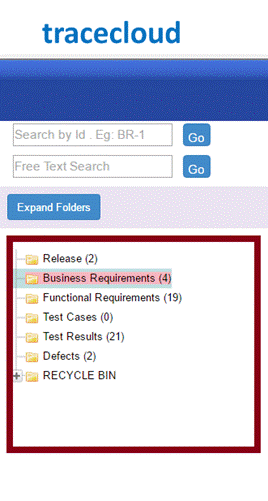
5. Previously created requirements, both functional and business, can be viewed by clicking on the folder to the side of the page.