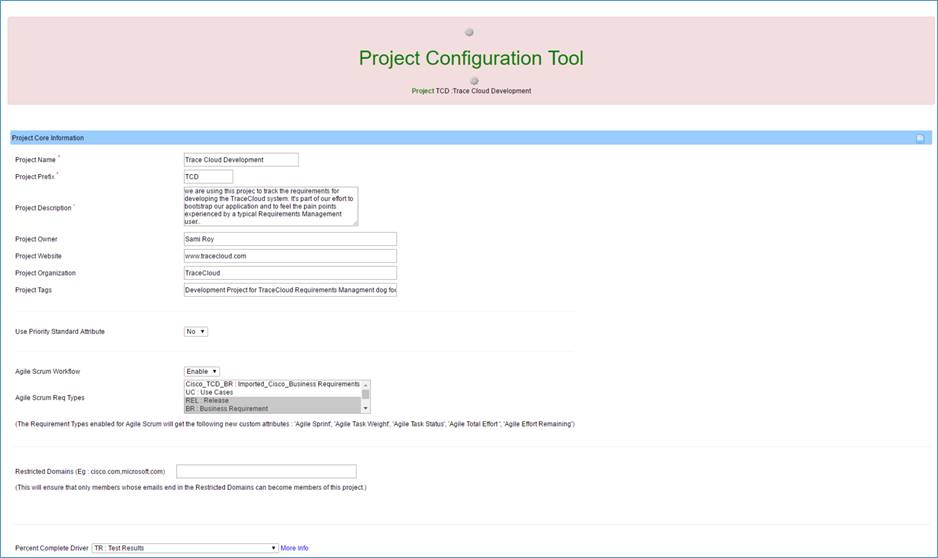
Configuring a project
TraceCloud is highly configurable to suit your needs. You can define your own Requirement Types, Roles, Attributes, Approval Work Flow and Traceability rules.
Login to TraceCloud at the top right hand of the page.

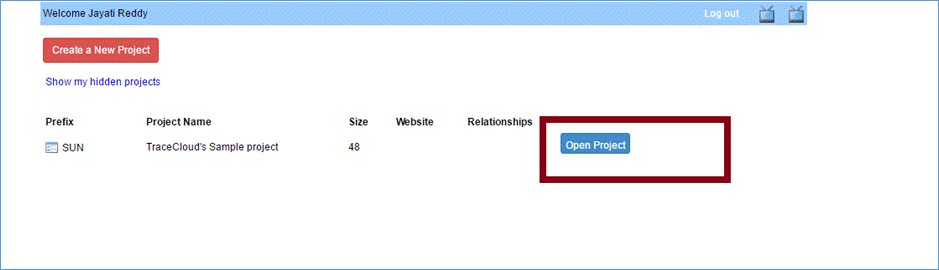
Open a project.
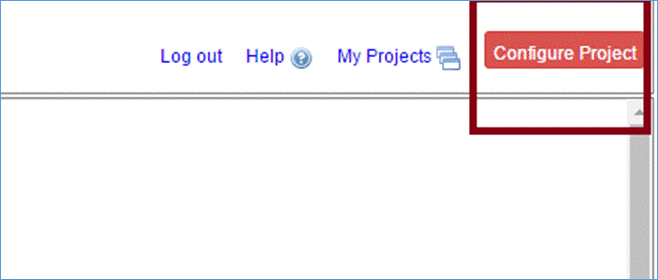
The owner of the project can configure roles. Click the “Configure Project” button at the top right corner of the page.
This will take you to a page where you can manage roles, requirement types or delete the project.