Commenting and Collaboration
Go to www.tracecloud.com and create an account.
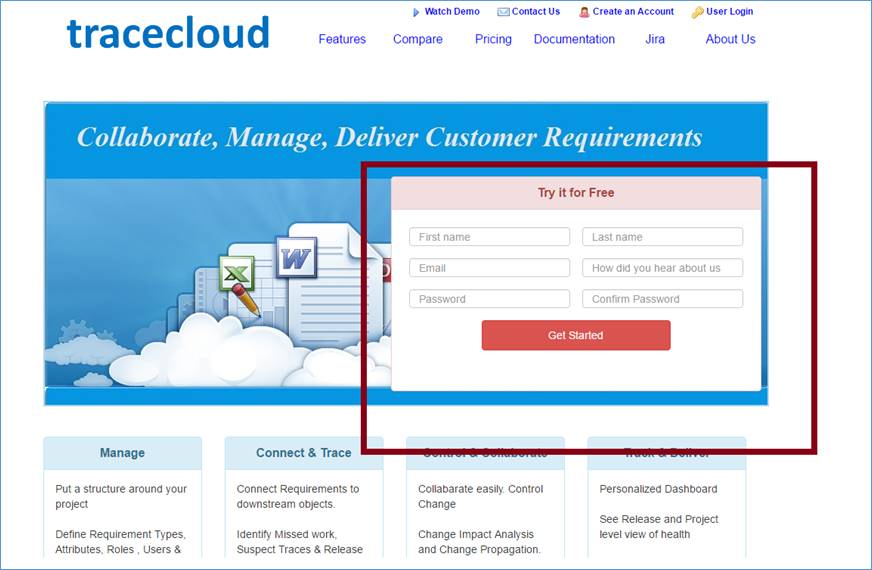
Login to TraceCloud at the top right corner of the page.

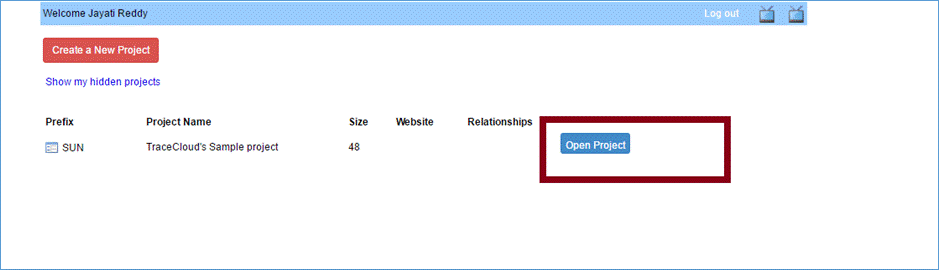
Open the sample project
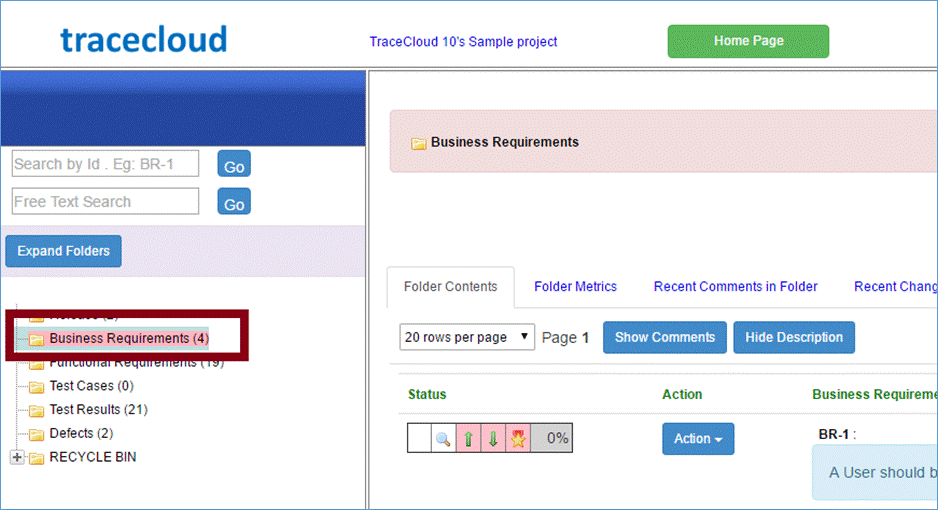
Click on a folder. For this example, we will use Business Requirements.
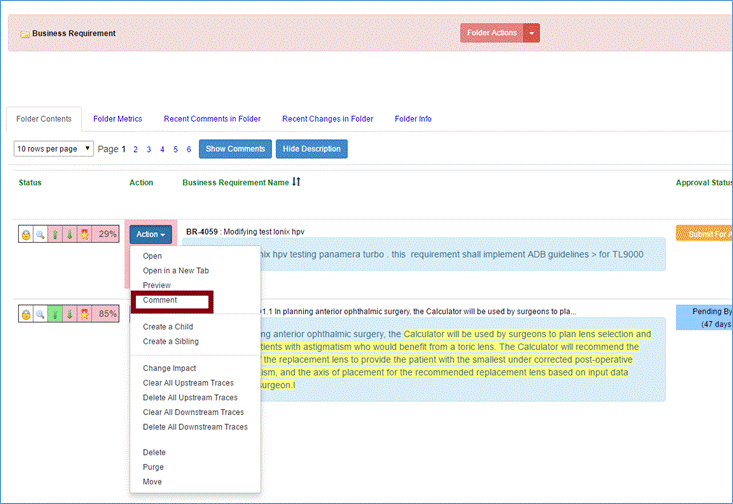
You can comment on individual requirements by clicking “Actions” and selecting “Comment.”
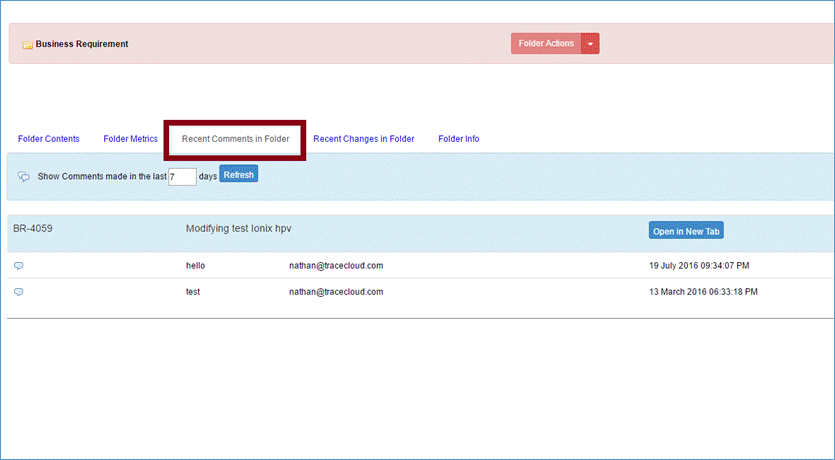
You can view previous comments by clicking “Recent Comments in Folder.”
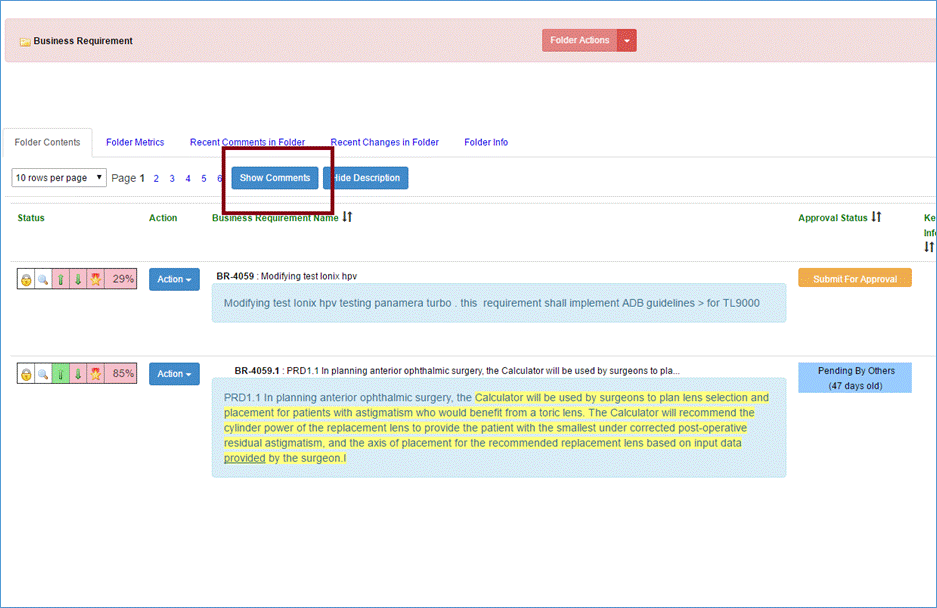
To display all comments and discussions for requirements, you can click “Show Comments” button at the top of the page.
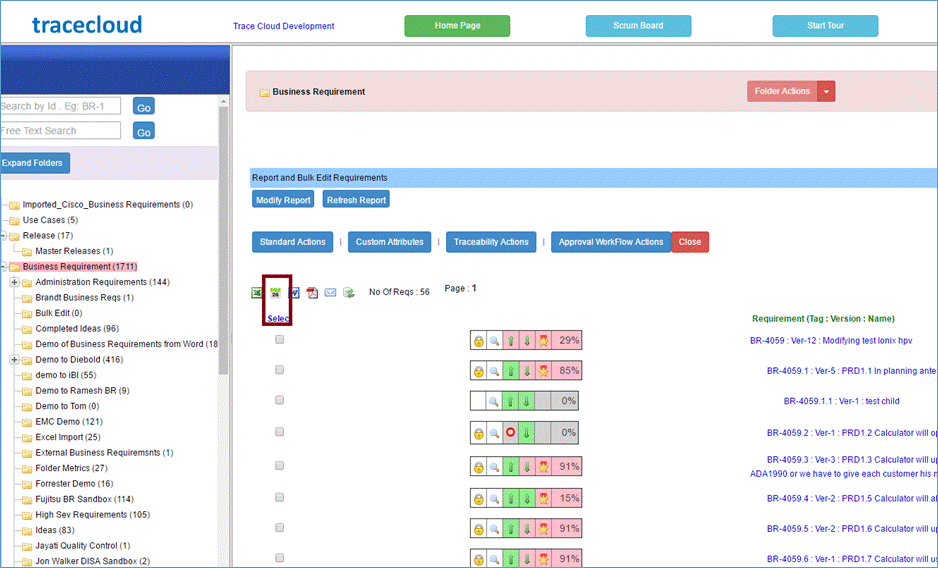
You can export all comments to excel by running a report and clicking the light green button in the middle of the page.
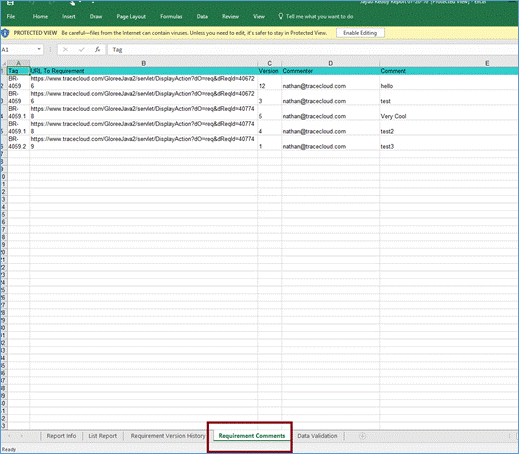
This action will download an excel file. Comments can be viewed by opening the file and clicking the fourth tab.
You can also receive an email of all the relevant changes, if you are a stakeholder of the requirement. A stakeholder is anyone who is an owner, previous commenter, modifier or approver of a requirement. You can also become a stakeholder by putting down your email id in the ‘Keep Me Notified’ attribute of the requirement.